v3.0.785 Released — Now with expanded Samsung support

Horn Through
Any Firmware...!

Flash firmware, erase data, manage partitions, and service mobile devices with a fast, reliable, and secure desktop application.

2,300+ Models
20+ Brands
99% Success
Supported Device Supported Device
Scroll
The Tool

Powerful Desktop Application

A clean, intuitive interface designed for speed and reliability

GendaTool v3.0.785
GendaTool Dark Mode
Multi-Platform

Full Chipset Support

Deep-level access for all major mobile chipset manufacturers

Qualcomm

Deep-level access to Qualcomm powered devices. Flash, erase, read, and repair even when the device won't boot normally.

MediaTek

Full support for MediaTek chipsets including the latest models. Secure device handling with automatic loader selection.

SPD / Unisoc

Advanced support for Spreadtrum/Unisoc devices. Features include flashing, FRP bypass, formatting, and secure diagnostic mode operations.

Features

Everything You Need

A complete toolkit for professional mobile device servicing

Flash Firmware

Flash complete firmware packages or individual partitions. Select your firmware folder and the tool handles everything automatically.

Erase Userdata

Securely erase user data and reset factory protection. Safe FRP handling with built-in guards against accidental bricking.

Remove Demo

Remove retail demo mode from display units. One-click operation that safely clears demo flags without affecting device security.

NV Backup & Restore

Backup and restore critical NV partitions including modem calibration data, IMEI, and RF parameters.

Read Firmware

Read complete firmware from device storage. Dump individual partitions or full device images for backup and analysis.

Partition Management

View, read, erase, and flash individual partitions. Full GPT partition table display with per-partition operations.

Plug & Play

Automatic device detection and connection. Just plug in your device and the tool handles the rest — no manual setup needed.

Live Device Info

Instantly see brand, model, Android version, build number, security patch, and storage capacity the moment a device connects.

Slot Switching

Switch between A/B partition slots on devices with dual-slot configurations. Useful for recovery and troubleshooting.

0
Supported Models
0
Brands Covered
0
Active Technicians
0
Success Rate
Compatibility

Supported Brands

Over 2,300 models from 20+ leading manufacturers

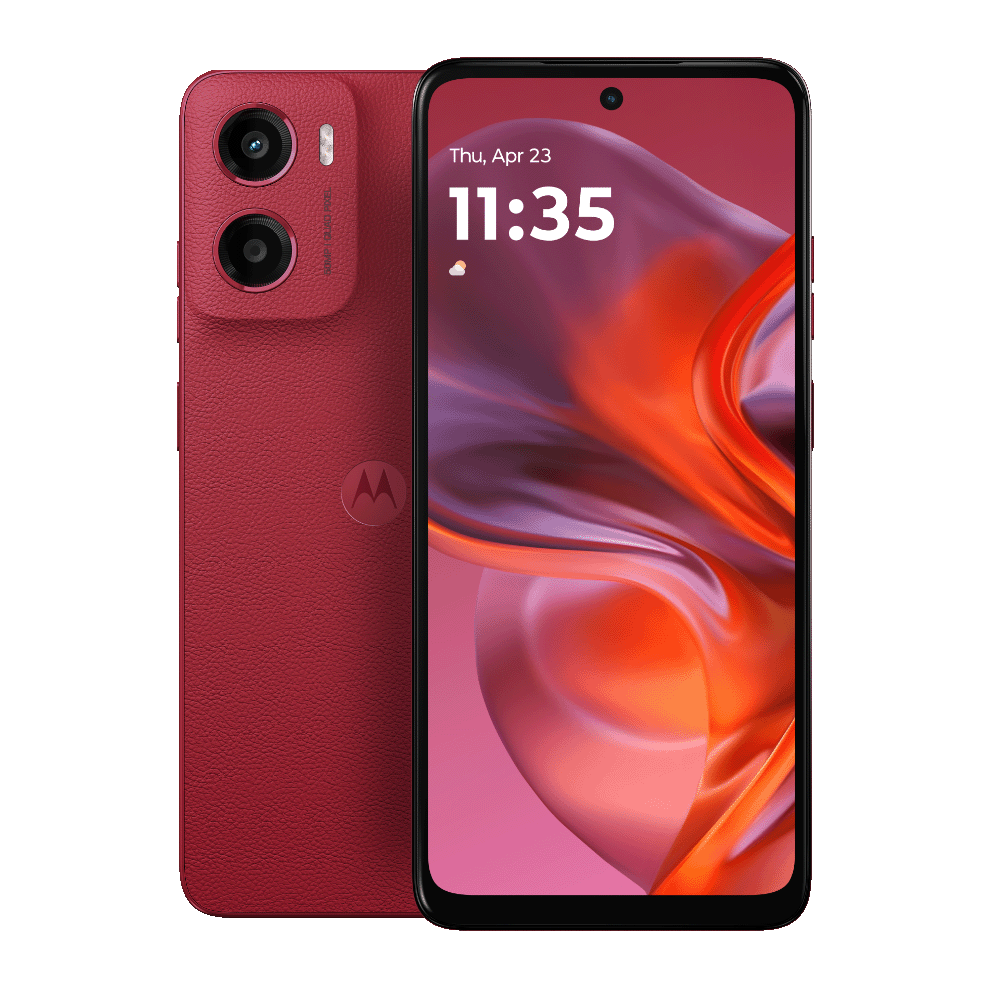
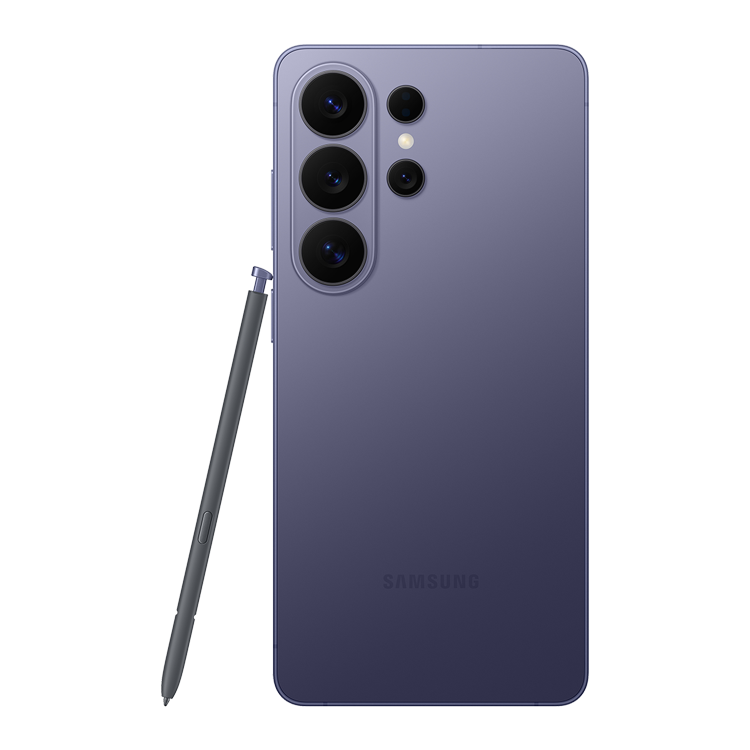
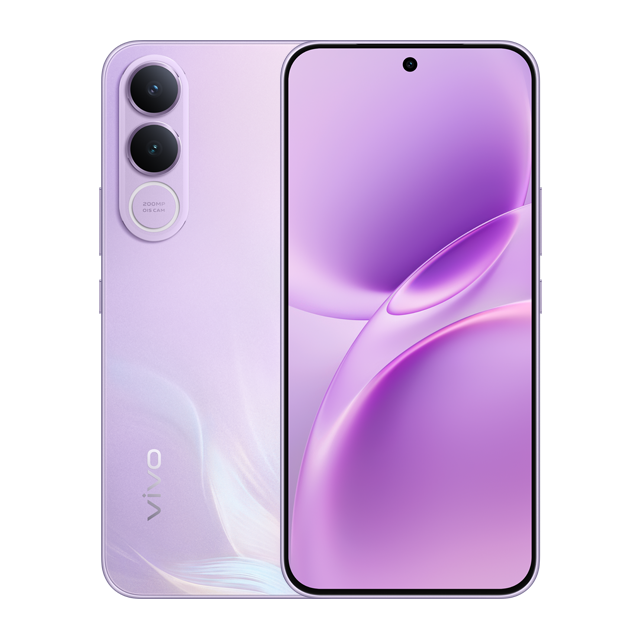
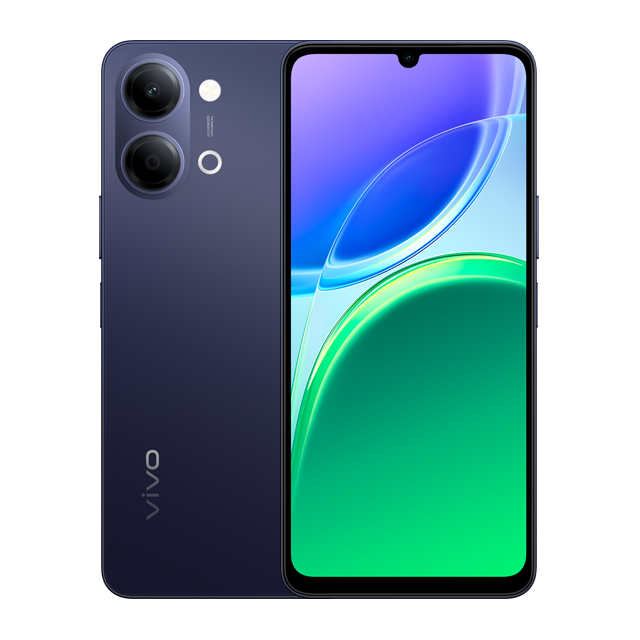
Samsung Vivo iQOO OPPO Realme Xiaomi Redmi POCO OnePlus HONOR Huawei Motorola Google Pixel Nothing ASUS Sony Nubia ZTE Lenovo Nokia

Ready to Get Started?

Download Genda Tool and start servicing devices professionally. Fast setup, no complex configuration required.

FAQ

Frequently Asked Questions

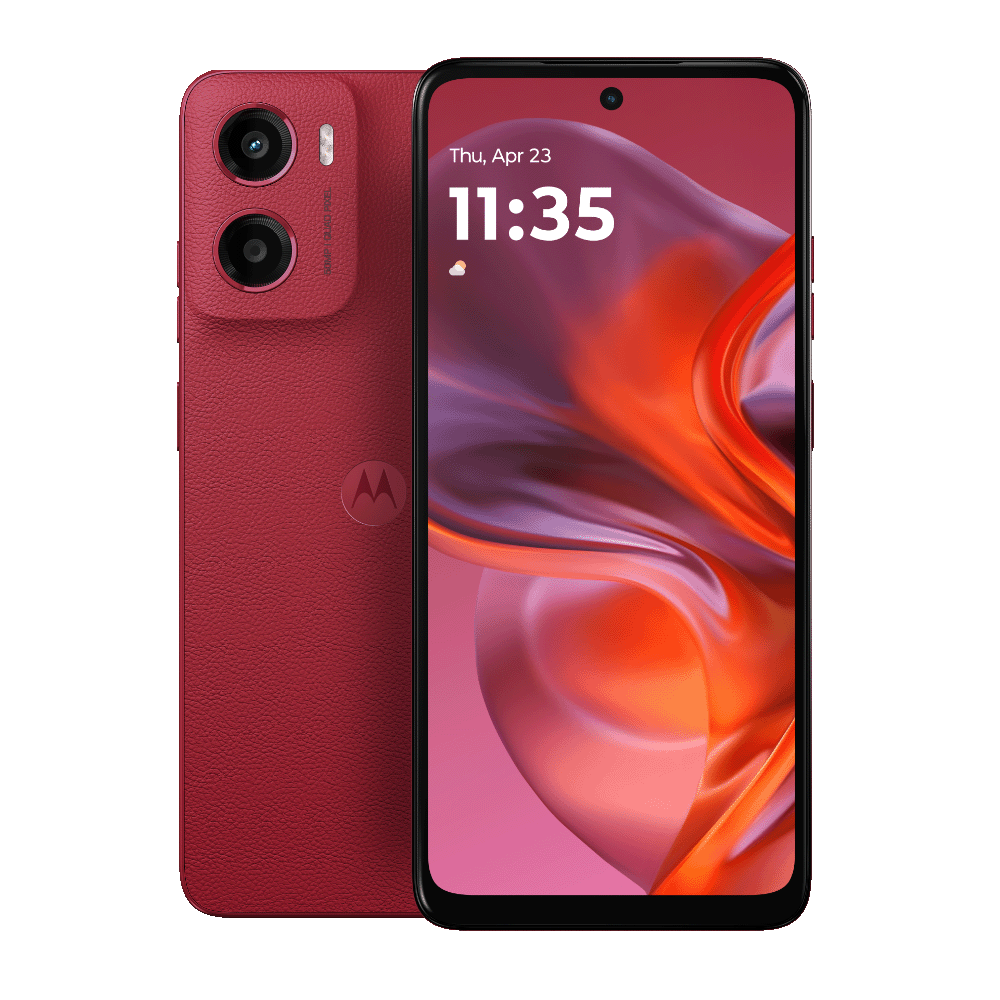
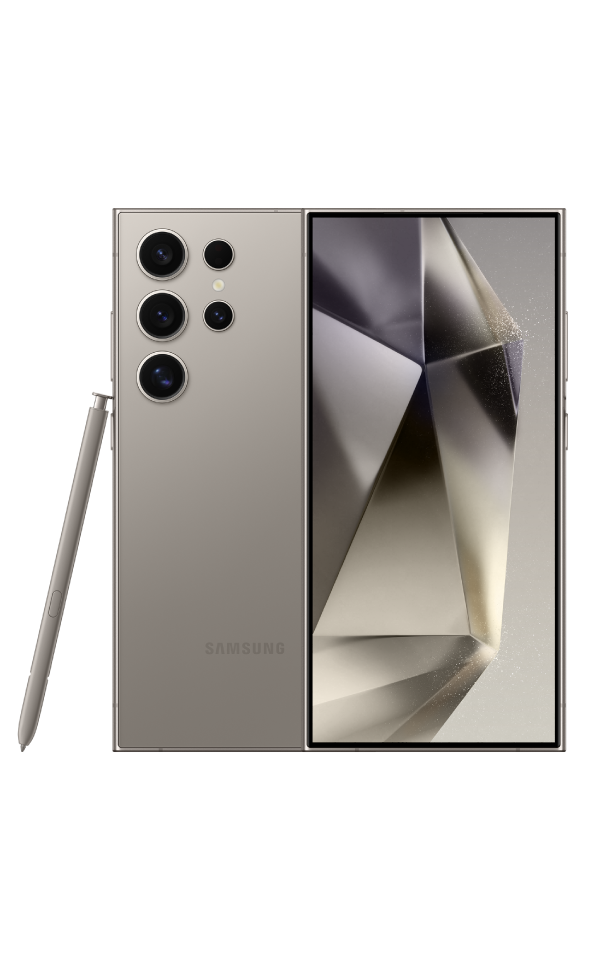
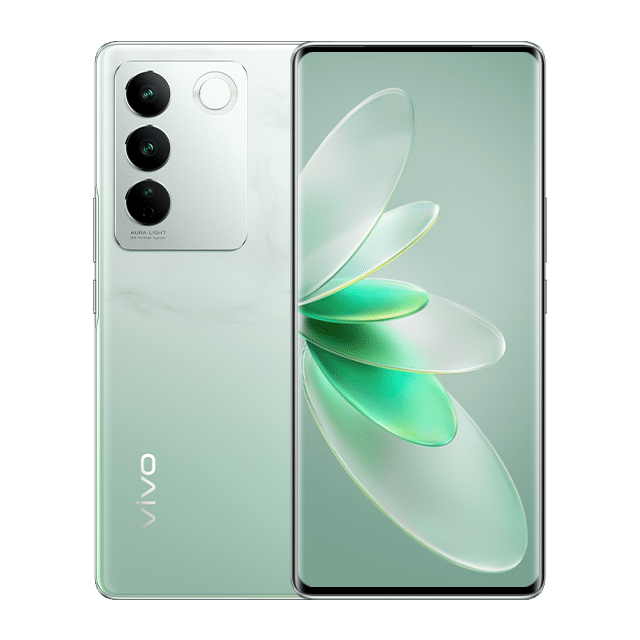
Genda Tool supports over 2,300 models from 20+ brands including Samsung, Vivo, iQOO, OPPO, Realme, Xiaomi, Redmi, POCO, OnePlus, HONOR, Huawei, Motorola, Google Pixel, Nothing, ASUS, Sony, Nubia, and more — all powered by Qualcomm or MediaTek chipsets.

Yes. Genda Tool uses deep-level access modes (EDL for Qualcomm, Download Agent for MediaTek) that work regardless of bootloader lock status. No unlock required.

Genda Tool includes built-in safety guards to prevent accidental damage. Critical partitions are protected by default, and destructive operations require explicit confirmation.

Genda Tool runs on Windows 10 and Windows 11 (64-bit). No additional drivers or complex setup required — just download, install, and connect your device.

Log in to your account and go to the "Buy Credits" page. Select a plan, send USDT to the displayed wallet address, and submit your transaction hash. Credits are activated after admin verification.